
Download
| Version | Channel | |
|---|---|---|
| v1.0.0 | Free | Download |
Description
Join Videos Losslessly – Professional MP4 Video Merger Without Quality Loss
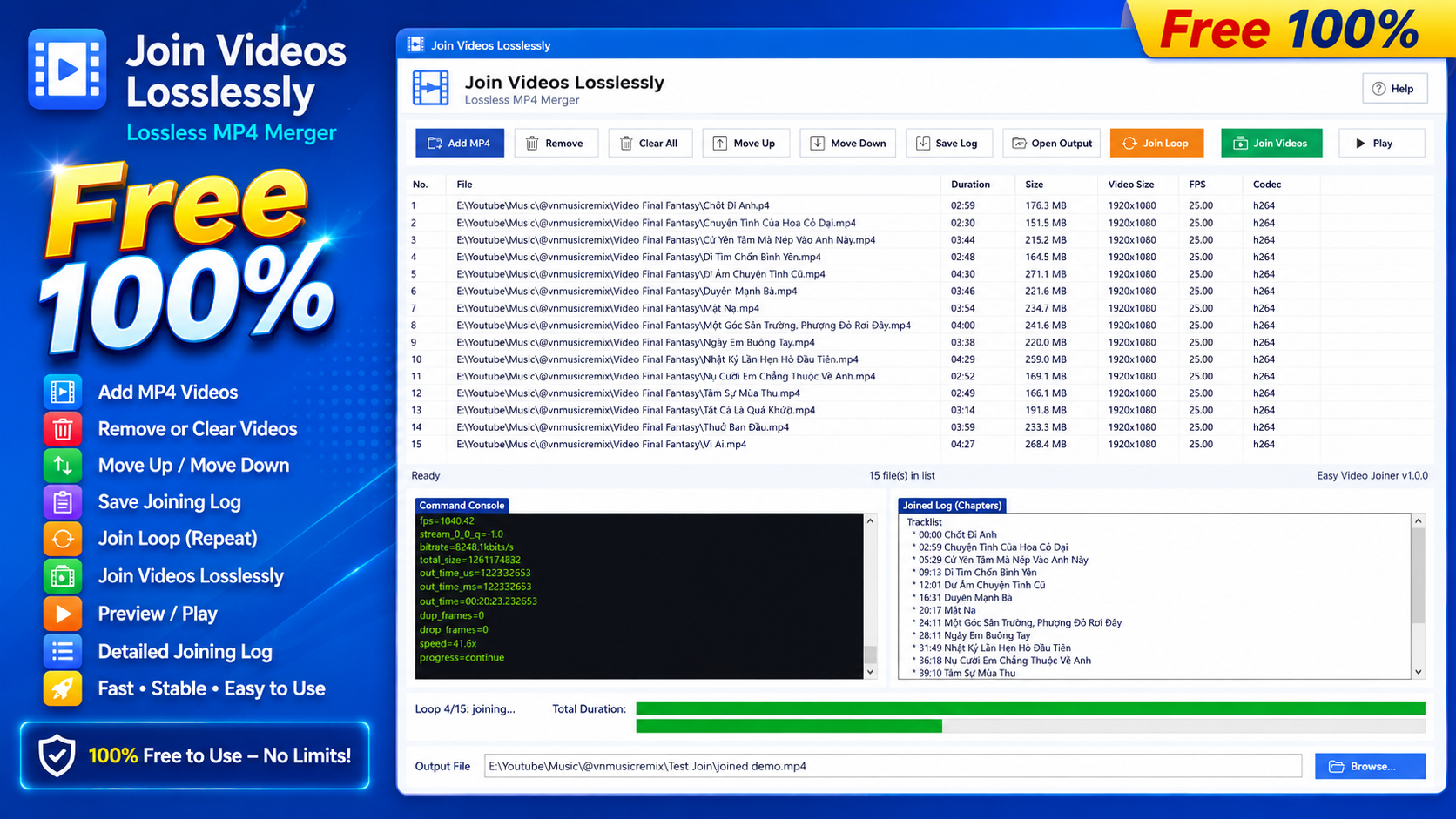
Join Videos Losslessly is a professional Windows application that allows you to merge multiple MP4 video files into a single video while preserving the original video and audio quality. Using lossless merging technology, the software joins videos without re-encoding, enabling you to combine videos in just a few seconds while maintaining the exact quality of the source files.
If you're looking for a fast, reliable, and lossless MP4 video merger, Join Videos Losslessly is the ideal solution for content creators, YouTubers, music producers, educators, businesses, and anyone who regularly works with video files.
Why Choose Join Videos Losslessly?
Traditional video editing software typically re-encodes the entire video during the export process. This can take several minutes—or even hours—and may reduce the quality of the final output.
With Join Videos Losslessly, the process is simple:
- Add your videos to the list.
- Arrange them in the desired order.
- Click Join Videos.
Within seconds, you'll have a single, complete video with 100% original quality, without waiting for lengthy rendering or export times.
Key Features
Merge MP4 Videos Without Quality Loss
Combine multiple MP4 videos into a single file while preserving the original:
- Video quality
- Audio quality
- Resolution
- Frame rate (FPS)
- Color accuracy
- Bitrate
The output video remains identical to the original source files.
Ultra-Fast Video Merging
Because the software performs lossless merging without re-encoding, it can merge videos in just a few seconds, even when working with large files or videos that are several hours long.
Perfect for:
- Combining dozens of short clips
- Creating 30-minute, 1-hour, or longer videos
- Joining multiple episodes into a single file
Automatic Video Compatibility Check
Before merging, the software automatically analyzes all input videos to verify that they are compatible for lossless joining.
This helps minimize errors and prevents the creation of videos with playback issues or audio/video synchronization problems.
Display Complete Video Information
As soon as videos are added, the software displays important information for each file, including:
- Duration
- Resolution
- Frame rate (FPS)
- Video codec
- File format
- File size
This allows you to review and verify your videos before starting the merge process.
Flexible Video Ordering
Easily organize your videos before merging by:
- Moving clips up or down
- Rearranging the playback order
- Managing your playlist with a simple and intuitive interface
Create the final video exactly the way you want.
Automatically Generate Tracklists (Timestamps)
After the merge is complete, the software automatically creates a text file containing timestamps (tracklist) for every video segment.
The generated tracklist can be used to:
- Add timestamps to YouTube video descriptions
- Create YouTube Chapters
- Organize long-form video content
- Save as a reference for future editing
This feature is especially useful for music channels, podcasts, audiobooks, and educational videos.
Create Multiple Video Variations
The Join Loop feature lets you generate multiple versions from the same video list.
The software intelligently changes the playback order to reduce repetitive sequences between adjacent videos.
Ideal for:
- Music playlists
- Multiple video variations
- Automated content generation
- Video marketing campaigns
Modern and User-Friendly Interface
Join Videos Losslessly features a clean, modern, and intuitive interface with well-organized controls.
Even first-time users can quickly learn how to merge videos without any prior video editing experience.
Who Is It For?
Join Videos Losslessly is an excellent choice for:
- YouTube content creators
- Video editors
- DJs and music producers
- Podcast creators
- Teachers and educational institutions
- Corporate training teams
- Digital marketers
- Anyone who needs to merge multiple MP4 videos into a single file
Benefits of Using Join Videos Losslessly
- Merge videos in just seconds
- Preserve original video and audio quality
- No re-encoding required (Lossless)
- Merge multiple MP4 files into one video
- Automatically generate YouTube timestamps (Tracklists)
- Simple and intuitive user interface
- Save time with ultra-fast processing
- Stable performance on Windows
- Suitable for both beginners and professionals
Conclusion
Join Videos Losslessly is a fast, reliable, and professional lossless MP4 video merger designed for users who need to combine multiple videos without sacrificing quality. With its high-speed processing, intuitive interface, automatic compatibility checking, timestamp generation, flexible video ordering, and multiple playlist variations, it provides an efficient workflow while ensuring the output video remains identical to the original files.
If you're looking for a powerful video merger that combines MP4 files without quality loss, Join Videos Losslessly is the perfect solution.
Recommended Software

ISO Editor
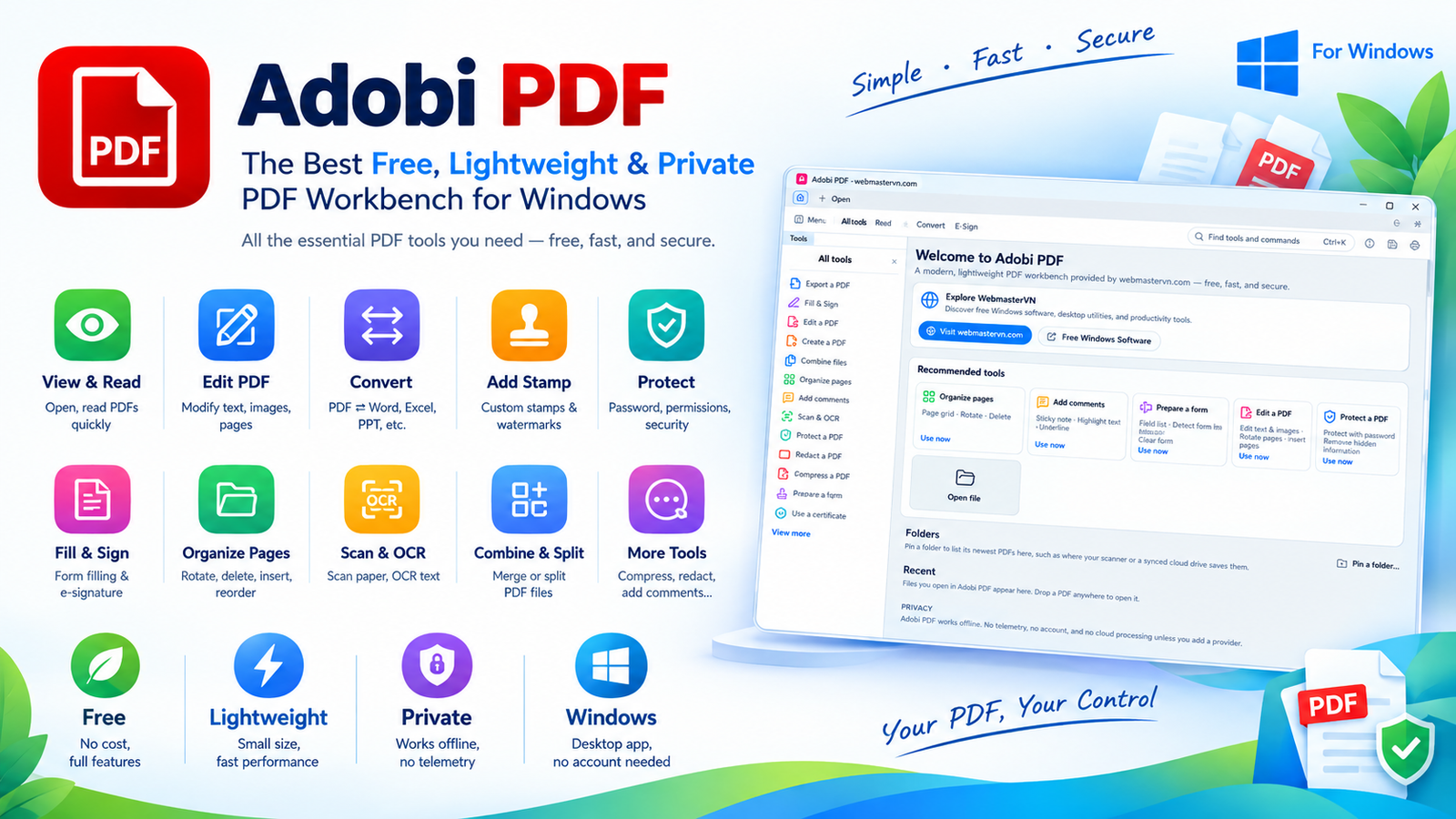

Adobi PDF: The Best Free, Lightweight & Private PDF Workbench for Windows
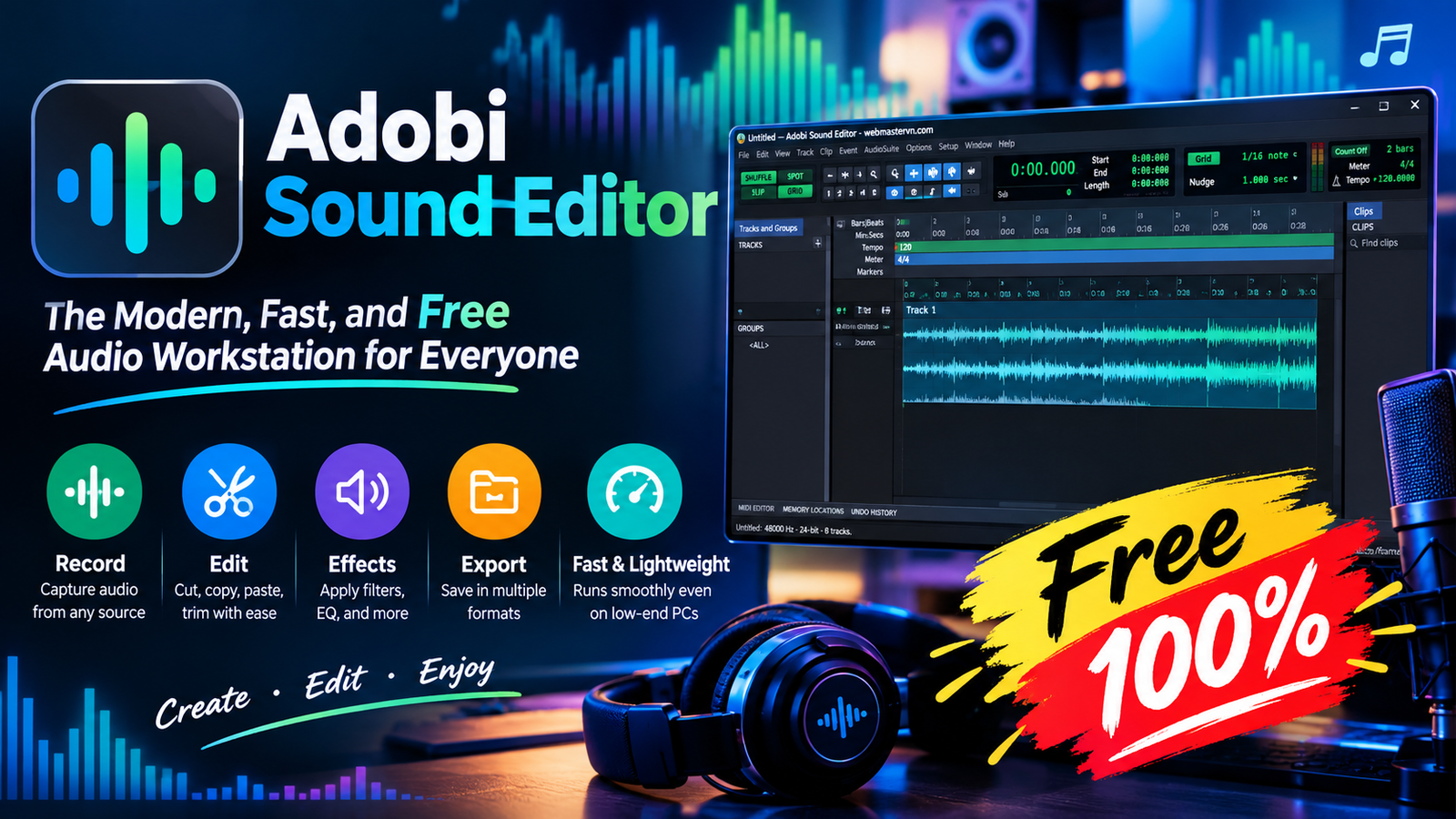

Adobi Sound Editor - The Modern, Fast, and Free Audio Workstation for Everyone
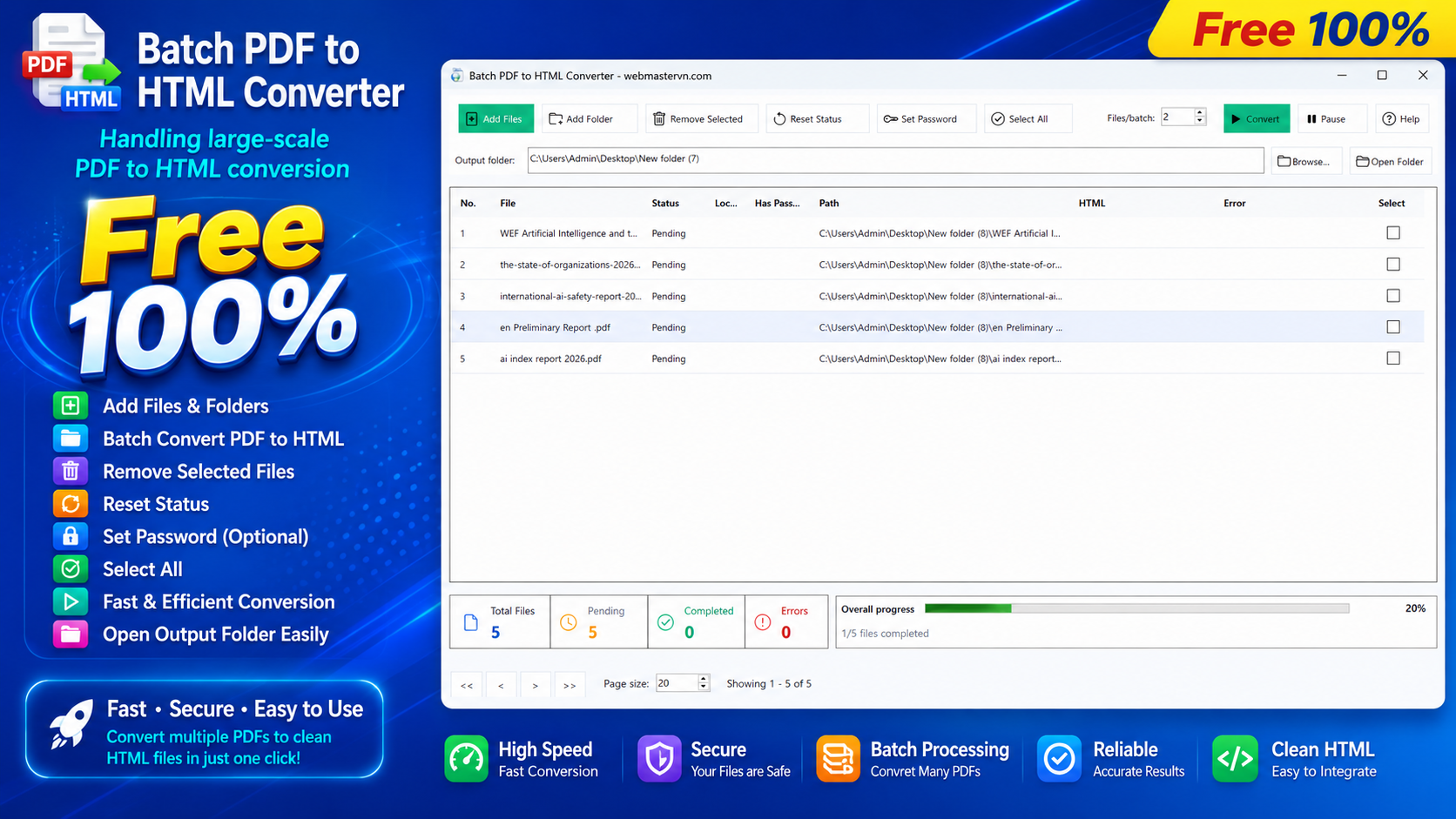

Batch PDF to HTML Converter