Download
Description
PDF Easy Fast Viewer – Fast, Lightweight PDF Viewer and Editor for Windows
Overview
PDF Easy Fast Viewer is a fast, lightweight, and user-friendly PDF viewer and editor designed for Microsoft Windows. Built with speed, simplicity, and performance in mind, it provides a smooth experience for viewing, organizing, and managing PDF documents without unnecessary complexity.
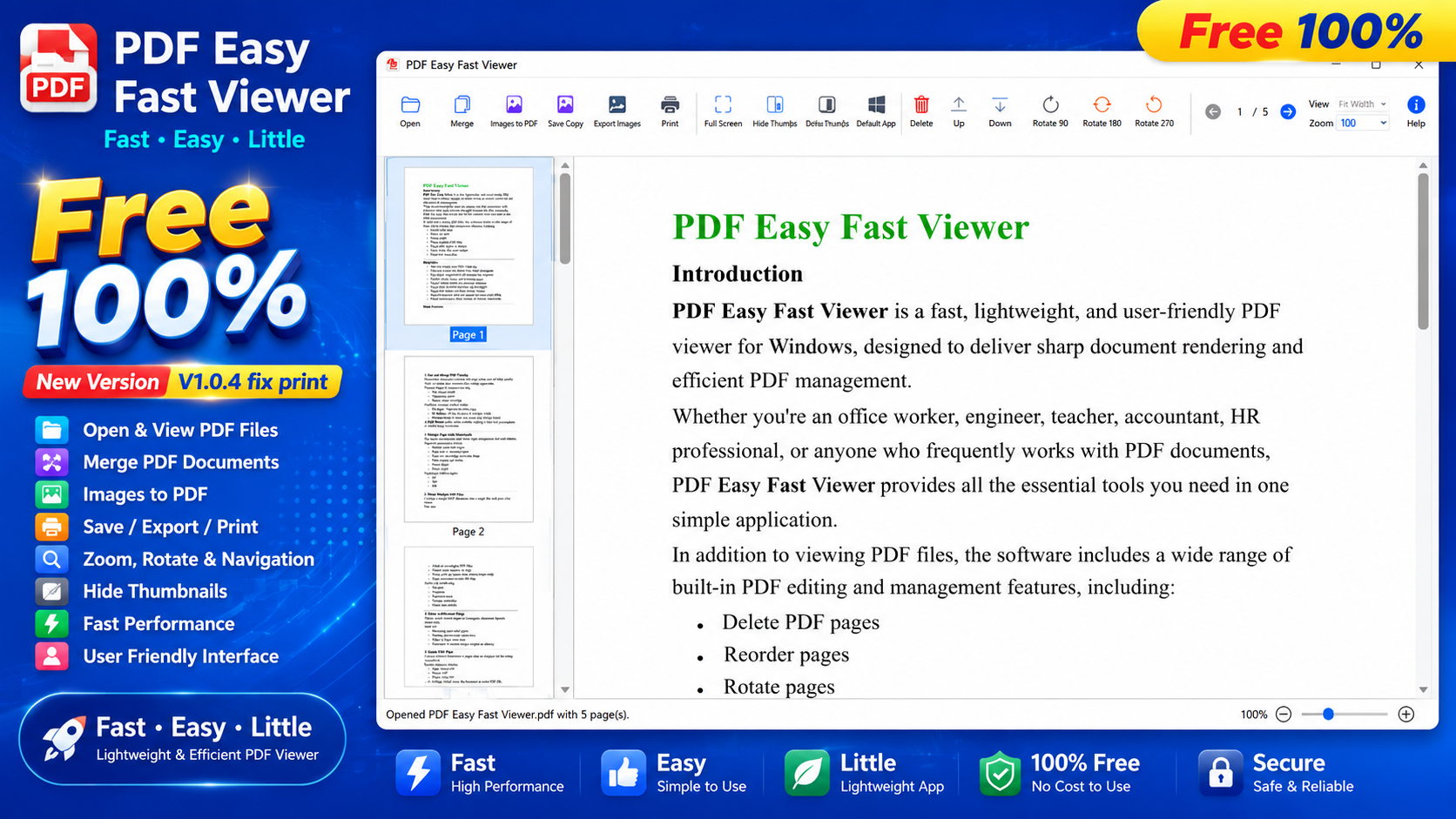
More than just a PDF reader, the application includes a collection of essential PDF editing tools such as page deletion, page rotation, page reordering, PDF merging, Image to PDF conversion, PDF to Image export, and document printing.
Whether you're an office worker, teacher, accountant, engineer, student, HR professional, or anyone who works with PDF files on a daily basis, PDF Easy Fast Viewer offers an efficient and reliable solution.
Why Choose PDF Easy Fast Viewer?
Many PDF applications are large, resource-intensive, or filled with advanced features that most users rarely need. PDF Easy Fast Viewer focuses on delivering the tools you use every day in a clean, lightweight, and responsive application.
Key Benefits
- Open PDF documents instantly.
- Lightweight, fast, and responsive.
- Modern and intuitive user interface.
- Crystal-clear rendering of text, graphics, and images.
- Select and copy text from PDF documents.
- Easy page management with thumbnail navigation.
- Delete, rotate, and reorder pages in seconds.
- Merge multiple PDF files into a single document.
- Create PDF documents from multiple images.
- Export PDF pages as high-quality image files.
- Print documents using the standard Windows print dialog.
- Works reliably even without an Internet connection.
Main Features
1. Fast and High-Quality PDF Viewing
PDF Easy Fast Viewer opens PDF documents quickly while delivering sharp and accurate rendering of text, images, charts, and graphics.
Navigation is simple and efficient using:
- Navigation toolbar
- Thumbnail panel
- Mouse wheel scrolling
Supported viewing modes include:
- Fit Page
- Fit Width
- Custom Zoom
- Full Screen Mode
These viewing options make reading long documents comfortable and convenient.
2. Visual Page Management with Thumbnails
The built-in thumbnail panel provides an intuitive way to organize PDF pages.
You can:
- Preview every page.
- Select one or multiple pages.
- Drag and drop pages to reorder them.
- Move pages up or down.
- Delete pages.
- Rotate pages.
Supported rotation angles:
- 90°
- 180°
- 270°
3. Merge Multiple PDF Files
Combine multiple PDF documents into a single file with just a few clicks.
Features include:
- Add one or multiple PDF files.
- Merge all pages or selected page ranges.
- Arrange file order before merging.
- Save the result as a new PDF document.
Perfect for combining:
- Contracts
- Reports
- Educational materials
- Project documentation
- Business records
- Client documents
4. Delete and Reorder PDF Pages
Quickly remove unwanted pages and reorganize document structure.
Ideal for:
- Removing blank pages.
- Deleting unnecessary appendices.
- Cleaning up scanned documents.
- Preparing files before printing.
- Organizing documents before sharing.
5. Rotate PDF Pages
Correct incorrectly scanned or improperly oriented PDF pages with ease.
Rotation options include:
- Rotate Right 90°
- Rotate 180°
- Rotate Left 270°
After editing, simply save the document as a new PDF file.
6. Create PDF from Images
Convert multiple images into a professional PDF document in just a few steps.
Supported image formats:
- JPG
- JPEG
- PNG
- BMP
- TIF
- TIFF
Ideal for:
- Scanned documents
- Digital archives
- Receipts
- Invoices
- Reports
- Document packaging
7. Export PDF Pages as Images
Convert PDF pages into high-quality image files.
Export options include:
- Entire document
- Selected pages
Supported output formats:
- JPG
- PNG
- BMP
- TIFF
This feature is especially useful for presentations, websites, graphic design, documentation, and content sharing.
8. Save as a New PDF
The Save Copy feature allows you to create a new PDF file while preserving the original document.
Benefits include:
- Protect original files.
- Maintain multiple document versions.
- Simplify file sharing.
- Improve document organization and archiving.
9. Print PDF Documents
PDF Easy Fast Viewer supports the standard Windows print dialog.
Printing options include:
- Print the entire document.
- Print the current page.
- Print selected page ranges.
- Choose printers and customize print settings.
Who Is It For?
PDF Easy Fast Viewer is ideal for:
- Office professionals
- Accountants
- Teachers
- Students
- Engineers
- Architects
- HR professionals
- Lawyers
- Business users
- Anyone who works with PDF documents
Conclusion
PDF Easy Fast Viewer is a powerful yet lightweight PDF Viewer, PDF Reader, and PDF Editor for Windows, designed to provide the essential tools you need without sacrificing speed or simplicity.
If you're looking for reliable software to view PDF files, merge PDFs, delete pages, rotate pages, create PDFs from images, convert PDF pages to images, or print PDF documents, PDF Easy Fast Viewer is an excellent choice.
Its clean interface, fast performance, and practical features make it an ideal solution for both personal and professional use.
We Value Your Feedback
PDF Easy Fast Viewer is continuously being improved, and we are committed to making it even better with every new release.
If you encounter any issues, have suggestions for new features, or would like to share your feedback, we would love to hear from you. Every comment helps us improve the software and deliver a better experience for all users.
Thank you for choosing PDF Easy Fast Viewer. We appreciate your support and wish you a productive, efficient, and successful experience every time you use our software.
Recommended Software

ISO Editor
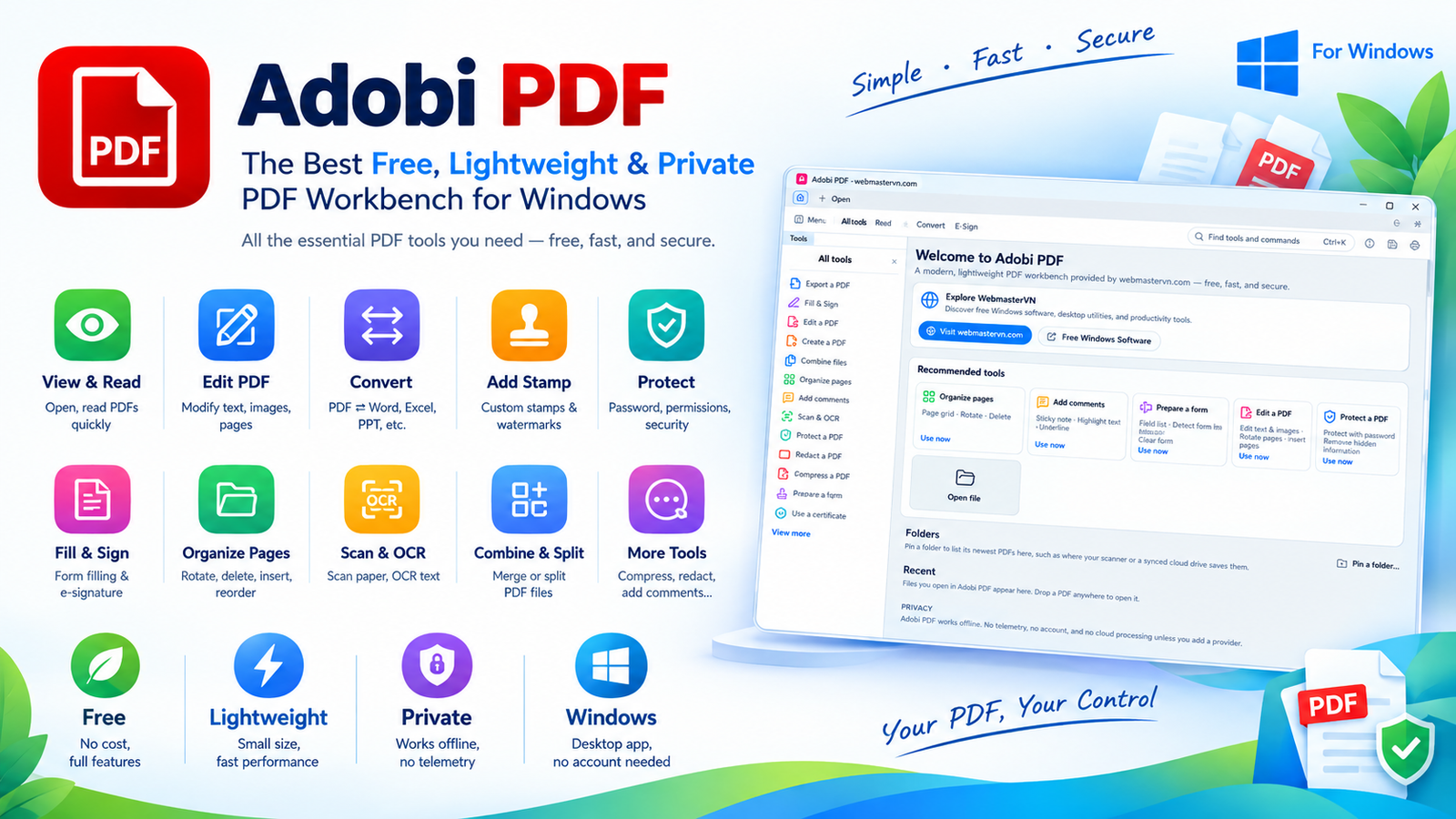
Adobi PDF: The Best Free, Lightweight & Private PDF Workbench for Windows
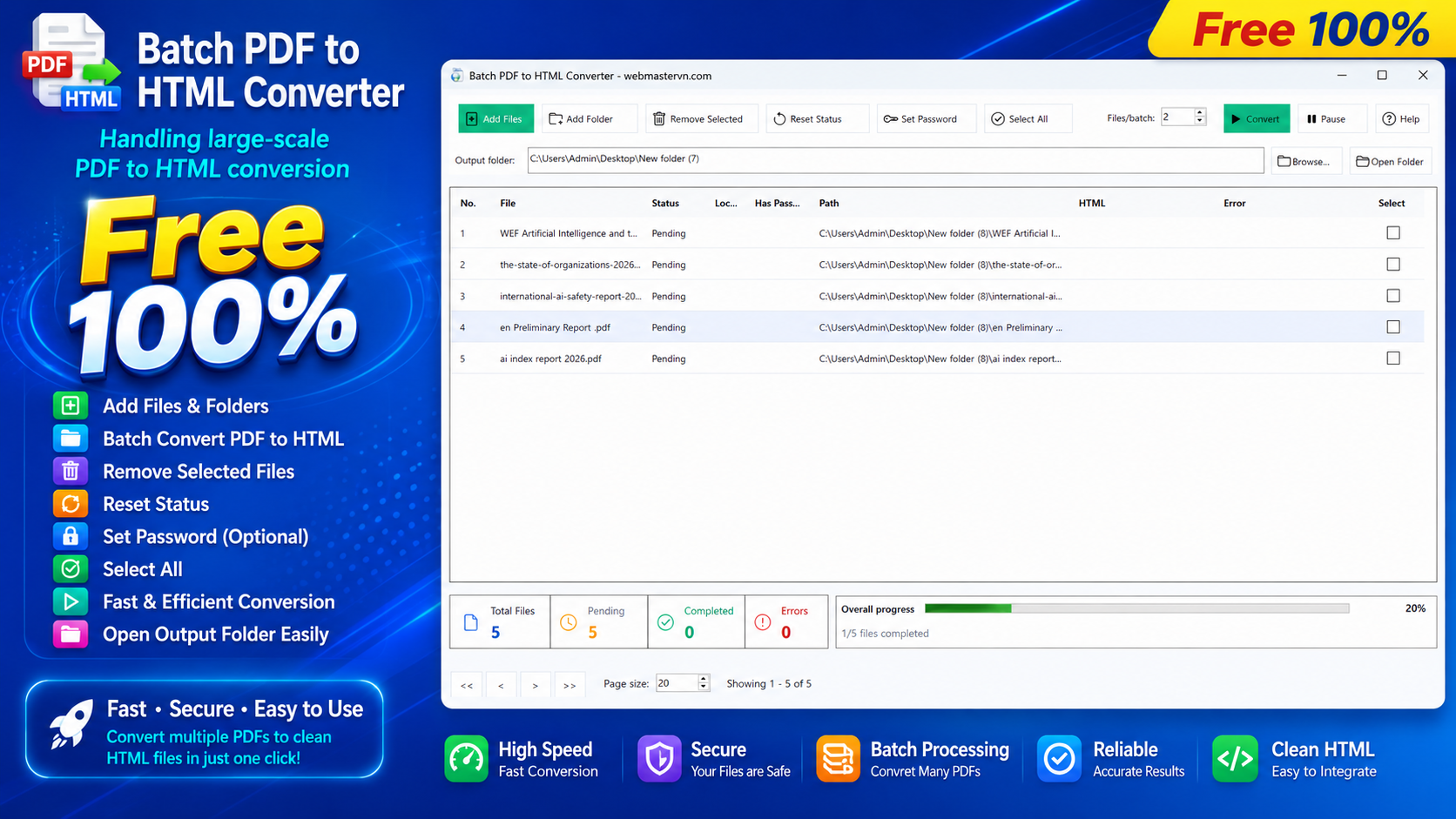
Batch PDF to HTML Converter
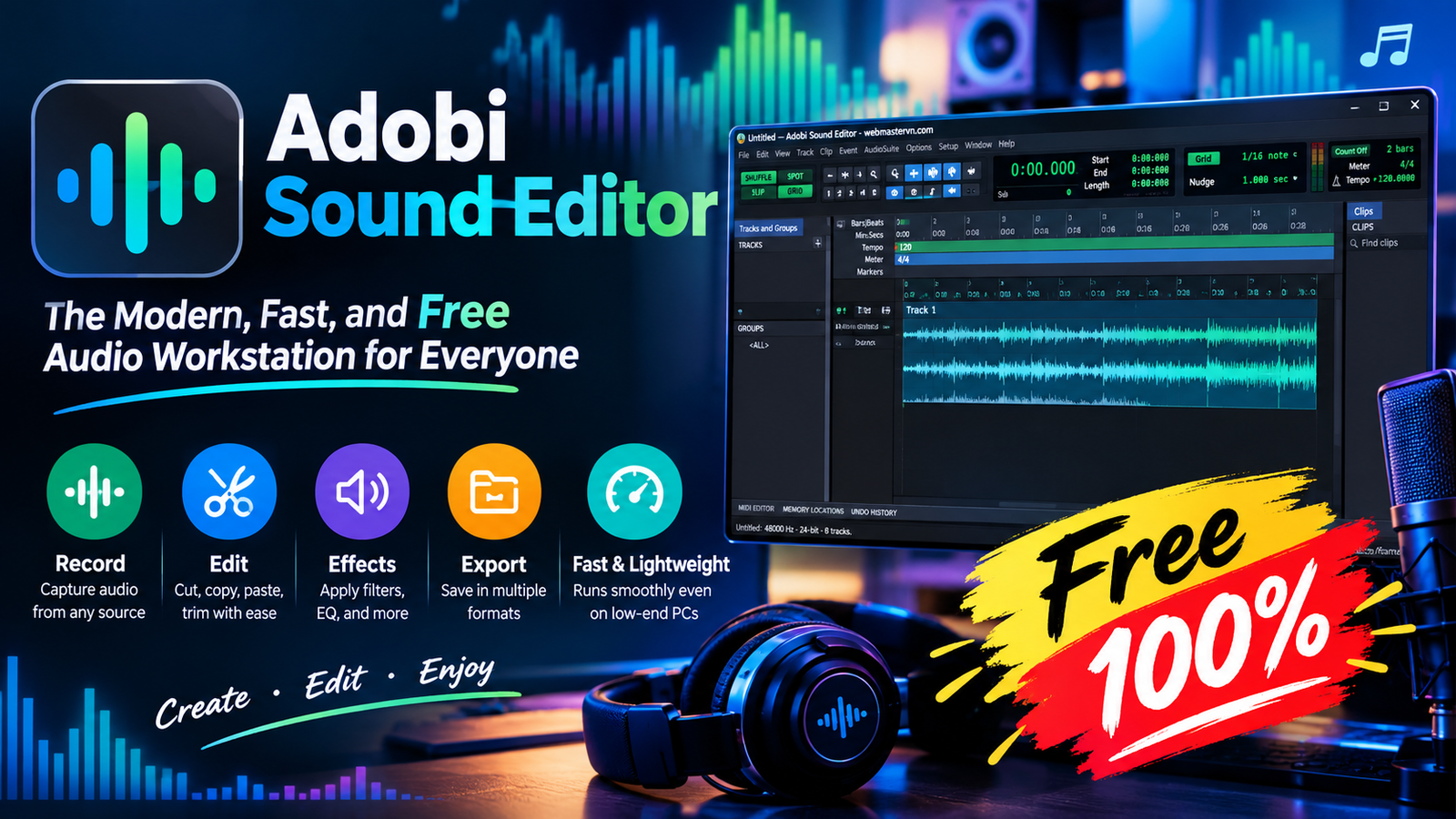
Adobi Sound Editor - The Modern, Fast, and Free Audio Workstation for Everyone